Narration & Text-to-Speech
Add narration to your books with AI-powered text-to-speech
What Is Narration?
ToonyStory can add a narrated voiceover to your book, reading the story aloud with a natural-sounding AI voice. This is used for:
- Video stories — narration plays over the animated pages
- Read-along mode — audio plays while viewing the digital book
How It Works
Narration is generated automatically when you create a video from your book. The AI reads each page's text with natural pacing, expression, and intonation.
Voice Options
ToonyStory offers several narrator voices you can choose from. Pick the one that best fits your story's mood, then add a Creative Direction to fine-tune the tone.
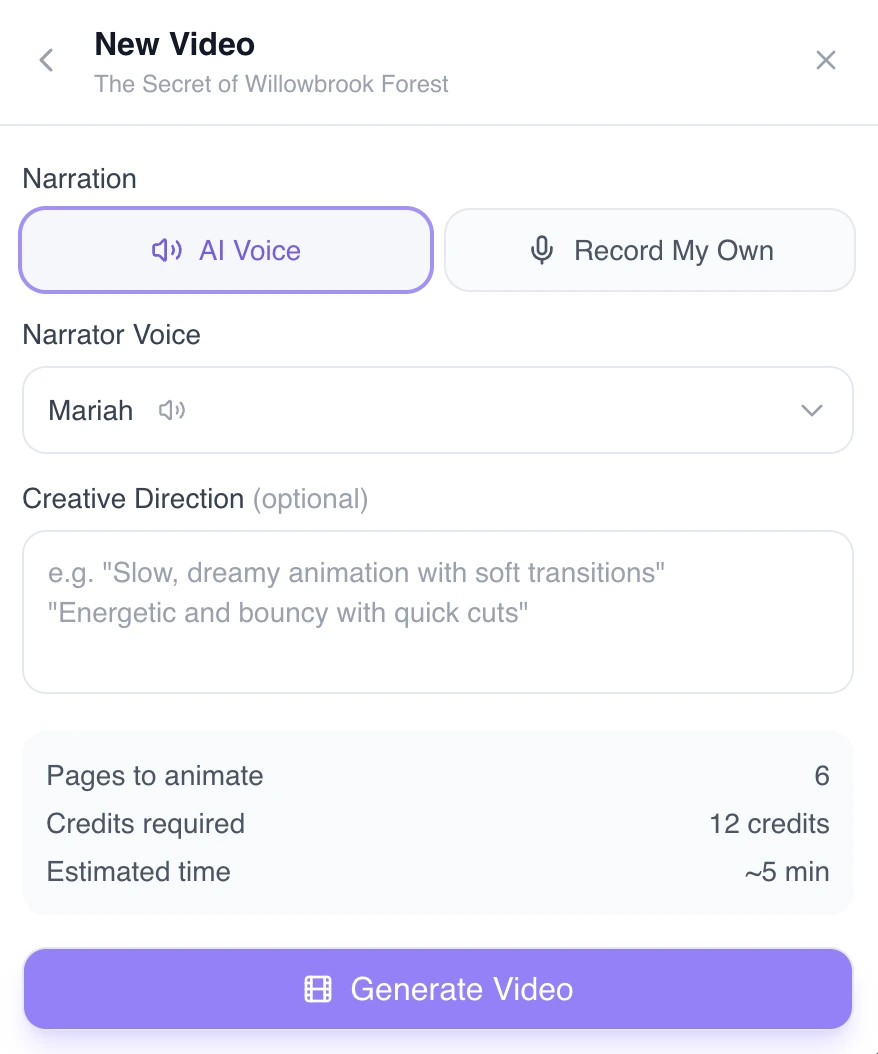
The voice is selected in the video settings panel before generating your video.
Record Your Own Voice
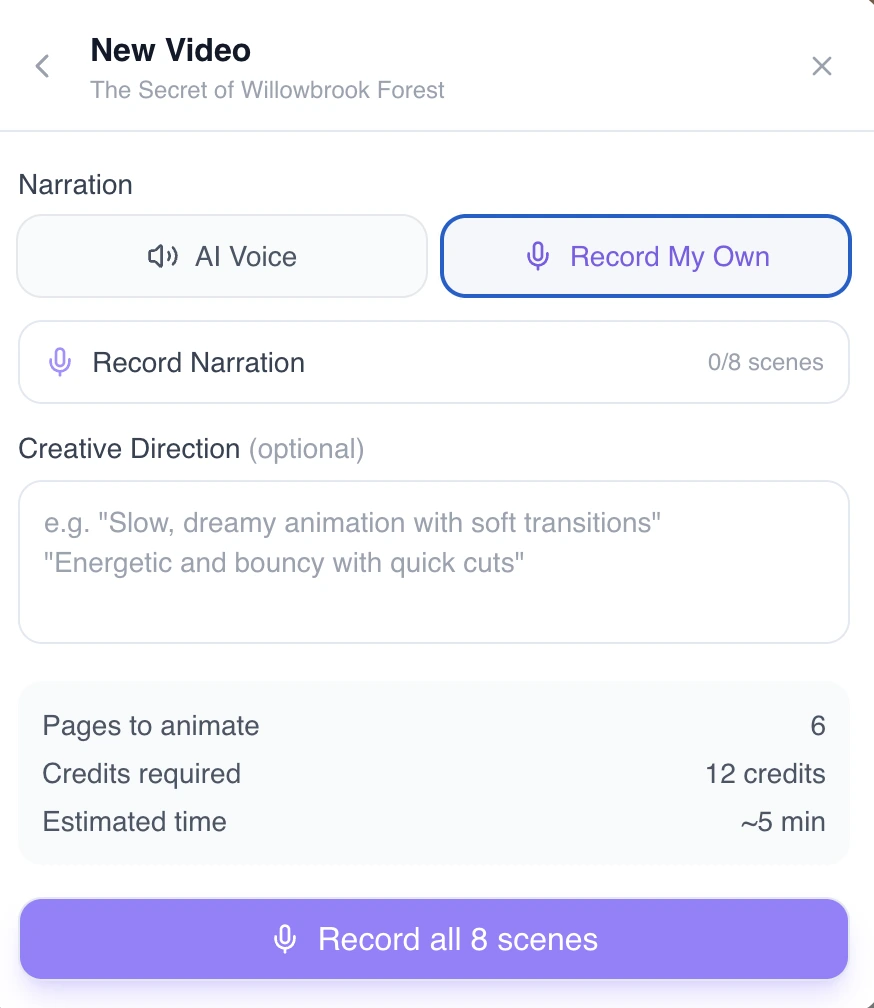
Want a personal touch? Switch to the Record My Own tab to narrate each scene yourself — perfect for bedtime stories read in a familiar voice. Recording your own narration is available on paid plans; any recordings you've already made keep playing regardless of your plan.
Tips for Better Narration
- Edit your text first — the narrator reads exactly what's on the page
- Keep sentences natural — write how you'd speak the words out loud
- Check punctuation — periods create pauses, exclamation marks add energy
- Names matter — if a name has an unusual pronunciation, consider spelling it phonetically in the text
Narration and Videos
Narration is a key part of the video experience. When you create a video, each page becomes a scene with:
- The illustration animated with subtle motion
- The narration playing over the scene
- Smooth transitions between pages
See Create a Video for the full video guide.