Create Your First Book
Step-by-step guide to creating your first personalized storybook
Before you read this:
Before You Begin
You'll need:
- A ToonyStory account (free to sign up)
- 1–3 clear photos of each person you want in the story
- About 5 minutes to set up, then ~5 minutes for generation
Step 1: Create Your Characters
From the dashboard, click "New Character". Upload a clear, front-facing photo. Give your character a name and pick their role (main character, sidekick, family member, or pet).
Tips for best results:
- Use well-lit photos with a clear view of the face
- Avoid sunglasses or hats that obscure features
- One person per photo works best
Step 2: Start a New Story
Click "Create Story" on the dashboard. You'll see a library of story themes organized by category.
Browse themes and tap one to see a preview. When you find one you love, tap "Use This Theme".
Step 3: Assign Characters
Assign your characters to roles in the story. The main character is the star — pick your child for this role. You can assign supporting roles to siblings, friends, parents, or pets.
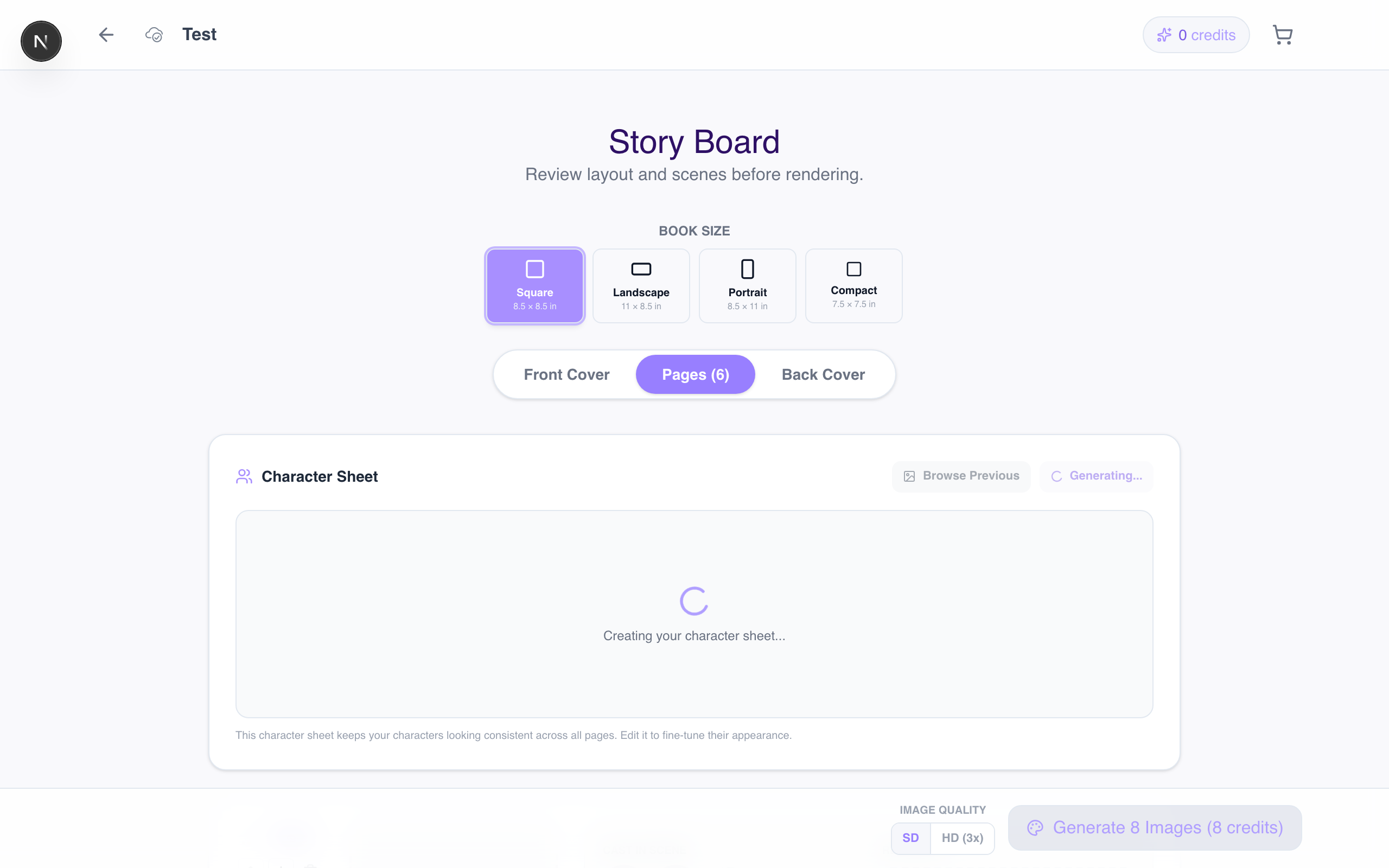
Step 4: Generate Your Book
Tap "Generate Book" and sit back! ToonyStory will create your personalized storybook. This typically takes 20–5 minutes.
You'll get a notification when it's ready.
Step 5: Review and Edit
Once generated, flip through your book. You can:
- Edit text on any page
- Regenerate illustrations if you want a different look
- Rearrange pages by dragging them
Step 6: Share or Order
When you're happy with your book:
- Share a digital link with family
- Order a hardcover — premium printing shipped to you
- Create a video — turn it into a narrated animated story